
Download Notification Sounds – notification sounds, ringtones, custom alerts, Android app, free sounds, message alerts, phone calls, social media notifications, notification settings, custom ringtones
Overview
The Notification Sounds app is designed to enhance the user experience on Android devices by providing a customizable audio feedback system for various alerts. It enables users to assign distinct sounds to different types of notifications, including text messages, social media alerts, and email notifications. This functionality helps users quickly identify the source of an alert without needing to check their device, improving responsiveness and personalization.
The app supports custom ringtones and offers a diverse library of over 140 sounds organized into six distinct categories, allowing users to select tones that match their preferences or mood. The developer, NotifySound, has focused on delivering a lightweight and accessible solution for users seeking greater control over their device’s auditory feedback. The application is intended for general consumers and mobile users who value personalization and efficiency in their daily digital interactions.
Real-world usage scenarios include setting a unique sound for work-related messages, a playful tone for social media updates, or a subtle alert for incoming calls. The app is free to download and use, with regular updates to maintain content freshness and compatibility.
Key Features & Capabilities
- Custom Notification Sounds – Assign individual sounds to specific apps or notification types, such as SMS, social media, or email, enabling quick visual and auditory identification of alerts.
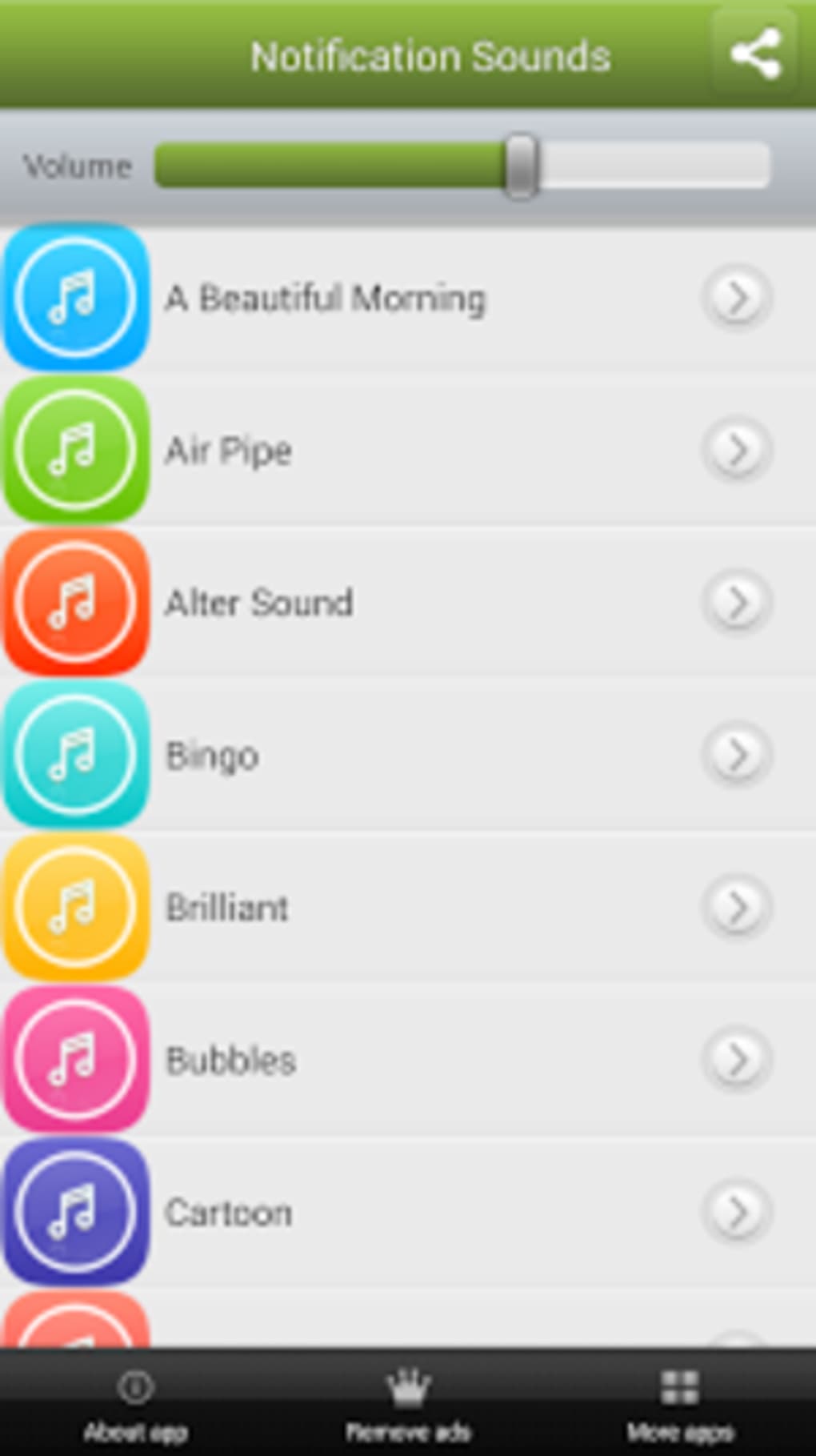
- Extensive Sound Library – Access over 140 ringtones categorized into six different types, offering variety in tone, style, and intensity for diverse user preferences.
- App-Specific Sound Assignment – Customize alerts for individual applications, allowing users to differentiate between notifications from different platforms like WhatsApp, Instagram, or Gmail.
- Call Ringtone Selection – Choose from the available ringtones to set a unique sound for incoming phone calls, enhancing personalization beyond standard alerts.
- Free and Regularly Updated – The app is available at no cost and receives ongoing updates to ensure access to the latest sounds and content.
These features support practical use cases such as distinguishing urgent work messages from casual social updates, reducing notification fatigue, or creating a more engaging device interaction. By allowing granular control over audio cues, the app improves workflow efficiency and user engagement. The ability to set different sounds for different apps also helps reduce distraction by making alerts more meaningful and context-aware.
User Interface, Workflow & Performance
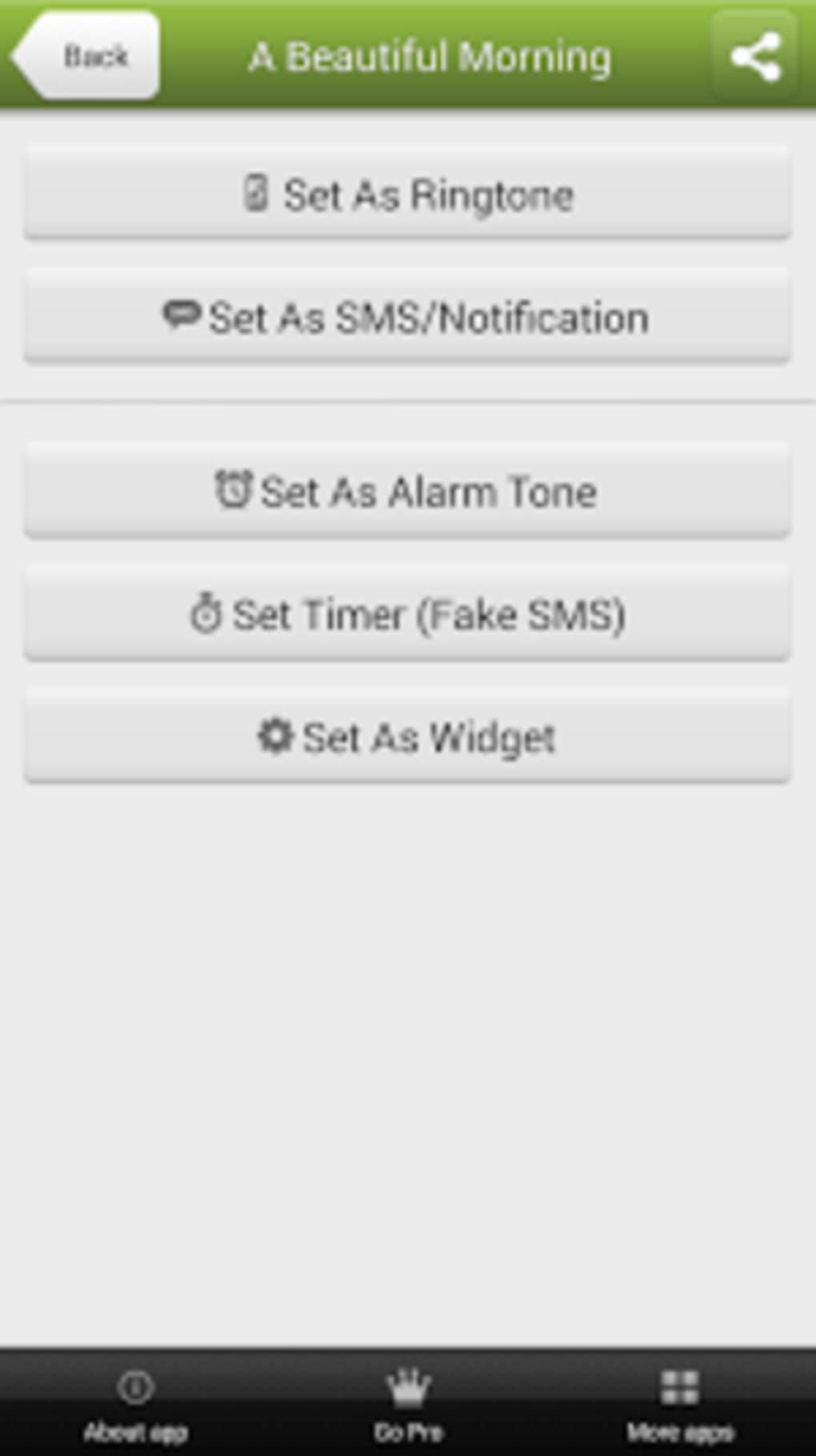
The app features a clean and intuitive interface designed for easy navigation on Android devices. Users can browse the library of sounds through categorized sections, preview each tone before selection, and apply it directly to their desired notification type. The workflow is streamlined, with minimal steps required to assign a sound to a specific app or alert category.
The developer did not specify resource usage details, so performance behavior under various conditions remains general. However, the application’s size of 14.8 MB suggests a lightweight footprint, which typically correlates with efficient memory and CPU usage. Stability is expected to be consistent with standard Android applications of similar scope.
The app does not require a persistent background process, which helps preserve battery life and system responsiveness. No reported issues with crashes or freezes were mentioned in the provided information. Overall, the user experience appears to prioritize simplicity and speed, aligning with the needs of casual users seeking quick customization without technical complexity.
Compatibility & System Requirements
Notification Sounds is compatible with Android operating systems and supports version 1.5.0. The installation size is 14.8 MB, which is relatively small and suitable for devices with limited storage. The developer did not provide additional system requirements, so compatibility with specific hardware or processor types remains unspecified.
Platform compatibility information is limited to Android, and no details were shared regarding support for tablets or other form factors. Users should ensure their device runs a compatible version of Android to install and use the app. The app is available exclusively through the Google Play Store, which ensures secure distribution and automatic update delivery.
No additional dependencies or third-party components were mentioned in the provided data.
Pros and Cons
Pros
- Free to download and use with no in-app purchases or ads reported
- Large collection of over 140 ringtones across six categories
- Supports custom sounds for individual apps and notification types
- Simple, intuitive interface suitable for non-technical users
- Regular updates ensure access to fresh content and improvements
Cons
- Exact performance details were not specified
- Compatibility with specific Android versions or devices was not confirmed
- Limited to Android platform; no support for iOS or other operating systems
- Developer did not provide information about background resource usage
- No mention of offline functionality or cloud sync features
FAQ Section
Is Notification Sounds available for iOS devices?
The app is currently only available for Android. No information was provided about iOS compatibility or future plans for other platforms.
Can I use my own audio files as notification sounds?
The provided information does not specify whether users can import custom audio files. The app’s functionality is centered around its built-in library of ringtones.
Does the app require an internet connection to function?
The app may require an internet connection for updates and content delivery. However, once a sound is selected, it can likely be used offline. Specific details on connectivity needs were not provided.
Are the ringtones and wallpapers safe to download?
As the app is distributed through the Google Play Store, it is subject to platform security checks. No security risks were mentioned in the provided data.
How often is the app updated?
The app is updated regularly, according to the developer. The exact frequency of updates was not specified.
Final Thoughts + CTA
Notification Sounds delivers a focused and effective solution for Android users seeking to personalize their device’s auditory feedback. With a diverse library of over 140 ringtones and the ability to assign custom alerts to individual apps, it enhances both usability and user engagement. The app’s lightweight design, intuitive interface, and free access make it an attractive choice for consumers who value customization without complexity.
While specific performance metrics and hardware compatibility details are not available, the app’s structure suggests efficient operation on standard Android devices. It is particularly beneficial for users who want to distinguish between different types of alerts, improve response times, or simply enjoy a more personalized experience. For anyone looking to upgrade their notification experience on Android, this app offers a straightforward and reliable option.
Download Notification Sounds now.






.png)
